Auto-Highlight: How AI Finds What Actually Matters in an Article
A deep dive into 5MinRead's auto-highlight feature — how it identifies key sentences, why it's harder than it sounds, and how to use it to verify summaries and skim faster.
Summarization gives you the gist. But there is a problem with summaries: they are a compressed translation of someone else’s writing. You cannot quote them. You cannot trust them blindly. And you cannot go back and re-read the parts that mattered, because the summary has already discarded the original wording.
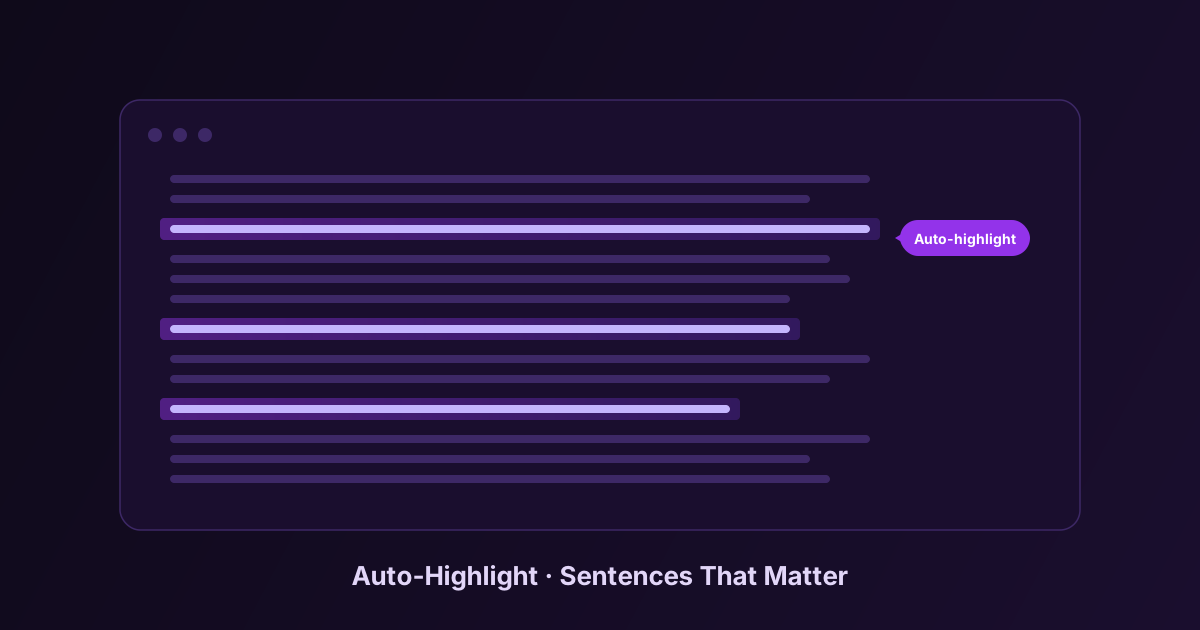
Auto-highlight solves that problem by working in the opposite direction. Instead of generating new prose to replace the original, it finds the sentences in the original that carry the most weight and marks them in place. After a summary is generated, you can scroll back through the article and see the key claims highlighted — verbatim, in context, with everything around them.
This article explains how it works, why it is harder than it looks, and how to use it well.
What Auto-Highlight Actually Does
When you summarize an article in 5MinRead with auto-highlight enabled, two things happen in parallel:
- The AI produces a summary in the side panel
- The AI selects a small set of “anchor” passages from the original — the sentences that carry the substance of the article — and they get highlighted directly in the page
The number of highlights scales with the chosen summary length: roughly 4 for Small, 6 for Medium, 10 for Full, and up to 12 for Maximum. The intent is intentional scarcity. If we highlighted 40 sentences in an article, the highlights would be visual noise. The point is that the few sentences that survived the selection process are the ones you should not miss.
Why It Is Harder Than It Sounds
Finding “important sentences” in a long article is not a simple keyword task. The hard parts:
Avoiding metadata. Articles are full of structural sentences — author bios, publication dates, table-of-contents links, reading-time estimates, “share this” prompts. These are easy to mistake for content if you are scoring by sentence prominence or position. The model has to know to ignore them.
Flexible length. The most important “sentence” in a passage might be a four-word phrase (“revenue fell 38%”) or a 30-word claim with three qualifications. A naive system that always extracts complete sentences misses both. Our prompt explicitly tells the model to choose the right length — short phrases for data points and definitions, full sentences for arguments and conclusions.
Anchor matching. The model returns the highlight as a chunk of text. The extension then has to find that exact chunk in the live DOM of the article and wrap it in a highlight span. This is harder than it sounds because the text the AI saw and the text on the page can differ — whitespace, line breaks, soft hyphens, smart quotes vs straight quotes, Unicode normalization. The matching has to be robust enough to tolerate these.
Skipping the obvious. A surprising failure mode in early versions was that the AI would happily highlight the article’s title and subheadings, because they are by definition important sentences. They are also not interesting, because you already saw them. The current prompt instructs the model to focus on substance inside the body, not navigation.
When Auto-Highlight Is Most Useful
There are three workflows where this becomes genuinely valuable rather than just a nice visual.
Verifying a Summary
The biggest weakness of any AI summary is that you cannot tell, at a glance, whether the summary represents the article faithfully. The model could have hallucinated a claim, conflated two paragraphs, or misattributed a quote. Auto-highlight gives you a verification path. You read the summary, then you scan the highlights. If the highlights support the summary’s claims, you trust it more. If a claim in the summary has no corresponding highlight, you go look.
This is especially important when the article is in a domain where you have some expertise. A finance professional reading an AI summary of an earnings call wants to confirm the summary’s claim about gross margin trends. The highlight on the actual sentence that says “gross margin contracted 240 basis points year-over-year” is the proof.
Skimming Without Reading
Sometimes you do not want a summary — you want to skim the original but you do not have 15 minutes. Generate a summary, ignore the summary, scroll through the highlights. You get the substance of the article in the author’s original voice, in roughly two minutes. This is the closest thing to teleporting through a long article without losing the author’s framing.
Building a Quote Bank
If you write about what you read — newsletters, posts, decks, papers — you need quotes. Highlights are quote-ready. The text is in its original form, with its original punctuation, and the highlight gives you the visual anchor to find the surrounding context if you need more.
How to Tell If Auto-Highlight Is Working Well
A good set of highlights on an article should pass this test: if a colleague who has not read the article reads only the highlights, in order, they get the substance of the article. Not the full nuance, not every argument — but the core thesis, the key data, the main conclusions.
A bad set of highlights looks like decoration. They emphasize visually interesting sentences that do not carry weight, or they highlight the same idea four times in different phrasing.
If you find yourself generating summaries and seeing weak highlights, two things help:
- Try a different preset. Some presets (Academic, Critical Review, Takeaways) instruct the model to prioritize different signal types. The highlights inherit that bias.
- On articles with heavy metadata (recipe sites, listicles with author intro paragraphs, journalism with embedded promos), the model is fighting more noise. The highlights are more useful on substantive long-form than on cluttered short pages.
What It Will Not Do
Auto-highlight is not a replacement for reading the parts of an article that interest you closely. It identifies sentences likely to carry weight. It does not understand which sentences carry weight for you specifically. A passage that is foundational to an expert reader can be skipped by the algorithm because it is brief or implicit. A passage that is novel to you might already be common knowledge in the model’s training data and get demoted.
The right way to think about it: auto-highlight gets you 80% of the way to “I have a feel for what this article actually says” in 30 seconds. If you need the last 20%, you still have to read.
Try It on a Long Article
The feature is most impressive on content where it is most useful — long, substantive pieces where reading the whole thing is a real cost. Try it on a 4,000-word essay, an academic paper, a deep newsletter post. The contrast between the highlights and the surrounding text shows you what the algorithm is doing, and shows you how much of the article you actually need.
You will probably end up reading the article anyway, more carefully than you would have otherwise. That is fine. The point was never to replace reading. It was to make sure that when you do read, you are reading the parts that matter.